
Variable Assignment
The Variable Assignment node is used to compute and assign values to process variables during Flow execution.
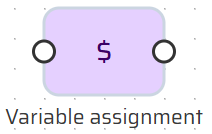
It acts as a dedicated calculation and transformation step, allowing values from the DataStore to be:
transformed
combined
normalized
derived
conditionally assigned
The Variable Assignment node does not control Flow branching and does not persist data.
Its sole responsibility is value computation.
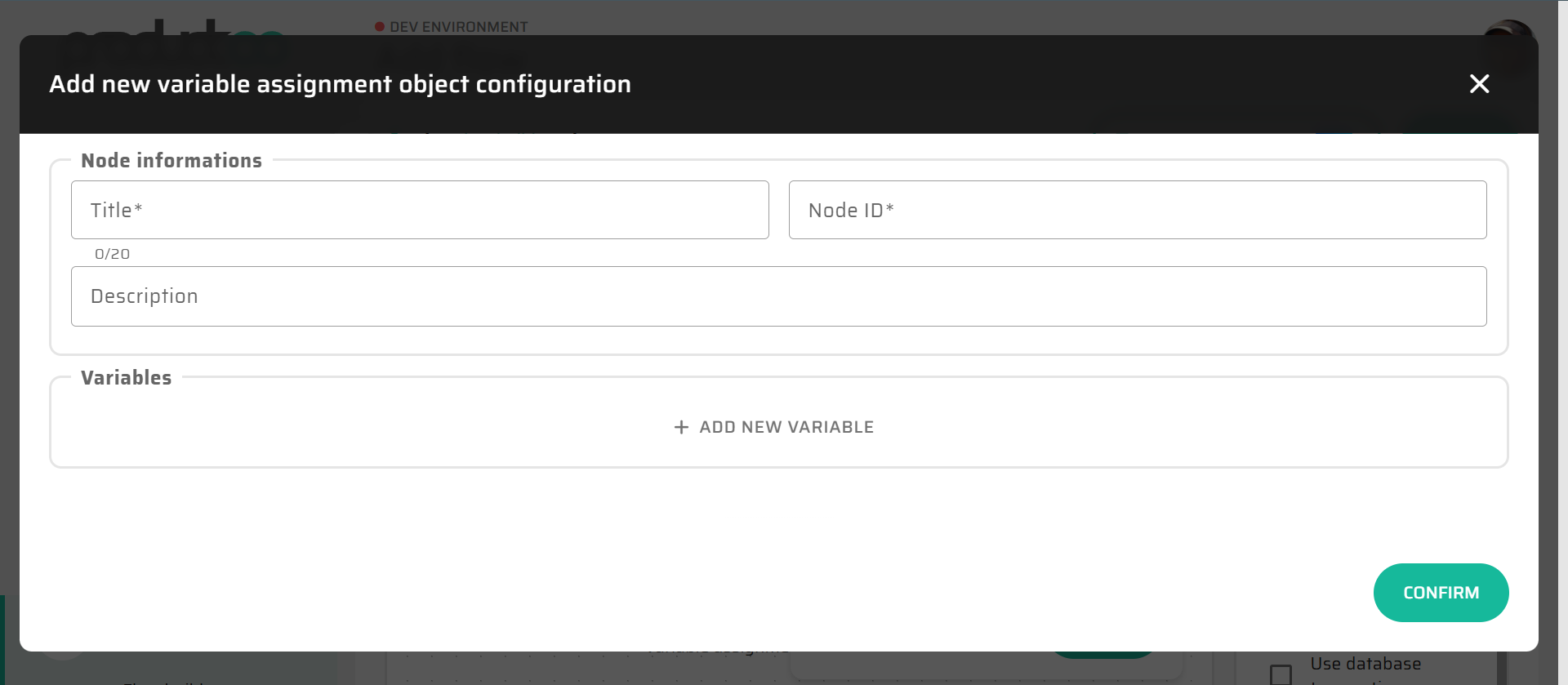
Execution Behavior
During execution, the Variable Assignment node:
evaluates all configured variable assignments
resolves expressions against the current DataStore state
updates or creates process variables in memory
passes execution to the next connected node
All assignments are performed in memory and are immediately available to subsequent nodes.
Variable Definition
Each Variable Assignment node can define one or more variables.
For each variable, the configuration specifies:
variable name
variable data type
value definition
If a variable with the same name already exists, its value is overwritten.
Value Definition Methods
Variable values can be defined using several mechanisms.
Static Values
A fixed value can be entered directly.
Typical use cases:
default values
constants
fixed configuration flags
DataStore References
Variables can reference values already present in the DataStore, such as:
input variables
loaded object fields
results of previous calculations
This allows simple value propagation without transformation.
Expression Language Values
Variable values are most commonly defined using Expression Language.
Expressions enable:
arithmetic calculations
string manipulation
formatting
conditional value selection
combining multiple DataStore values into a single result
Expressions are evaluated at runtime and must resolve to a value compatible with the declared variable type.
For syntax rules, functions, and type compatibility, see Expression Language (Low-Code Syntax).
Expression Evaluation Context
Expressions in the Variable Assignment node:
are evaluated sequentially within the node
operate on the current DataStore state
can reference variables defined earlier in the same node
do not produce side effects outside the DataStore
This allows complex calculations to be broken into readable, incremental steps.
Interaction with Other Nodes
Variables defined or updated in a Variable Assignment node are commonly used by:
This makes the Variable Assignment node a central building block for reusable and readable Flow logic.
Typical Usage
The Variable Assignment node is typically used to:
prepare calculated values before persistence
normalize or format input data
compute derived attributes
simplify complex expressions used later in the Flow
improve readability by extracting logic from other nodes
Well-structured Flows often contain multiple small Variable Assignment nodes rather than a few large expressions.
Modeling Best Practices
When using the Variable Assignment node:
Prefer multiple simple assignments over one complex expression
Use descriptive variable names to document intent
Keep business decisions in If nodes, not in assignments
Treat Variable Assignment nodes as calculation steps, not control logic
This approach improves maintainability, debuggability, and Flow readability.
Interaction with Expression Language
The Variable Assignment node is the primary and recommended place for using Expression Language.
Compared to other nodes:
expressions here are easiest to test and debug
results can be reused across the Flow
complexity is isolated from persistence and control logic
For this reason, complex expressions should generally be placed in Variable Assignment nodes rather than embedded directly in Create, Update, or If nodes.
Notes and Limitations
Variable Assignment nodes do not persist data
They do not control Flow branching
Variables must resolve to compatible data types
Excessive complexity inside a single node may reduce readability