
Create Object
The Create node is used to create a new record of a selected entity in the database.
It defines how values are assigned to entity fields during record creation, using:
static values
values referenced from the DataStore
dynamically computed values defined using the Expression Language
The Create node prepares data for persistence, but the actual database write is finalized later during Flow execution.
Execution Behavior
During execution, the Create node:
evaluates its configuration
resolves all field values
creates an in-memory representation of the new entity record
stores the created object in the DataStore
The Create node does not immediately persist data to the database.
Persistence is completed later as part of Flow finalization.
Entity Selection
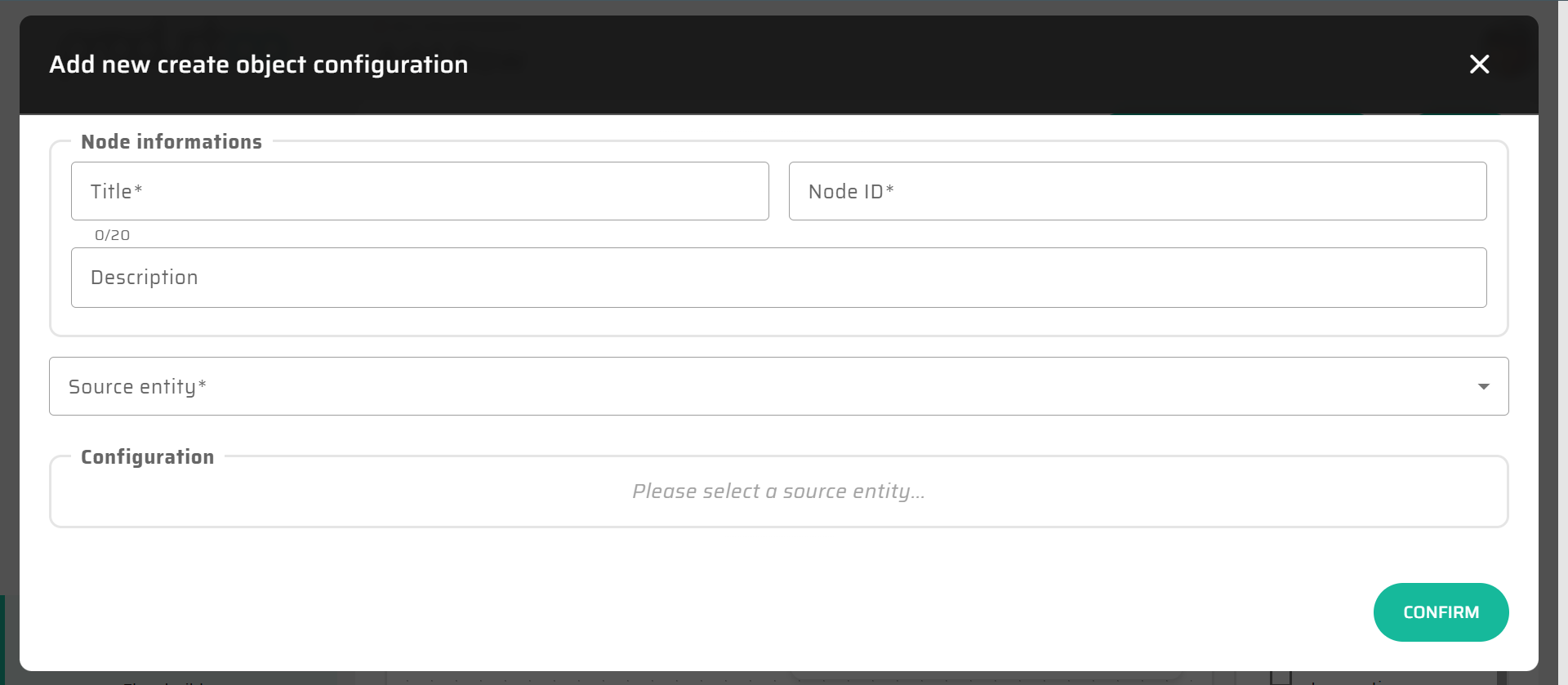
The first configuration step of the Create node is selecting the target entity.
The selected entity determines:
which fields must or can be provided
field data types
validation rules
the structure of the created object
Once the entity is selected, all its available fields are exposed for configuration.
Field Value Definition
For each entity field, the value can be defined individually.
The Create node supports multiple ways of defining field values:
Static Values
A fixed value can be entered directly.
Examples:
numeric literals
strings
predefined constants
This approach is suitable for:
default values
flags
static classifications
DataStore References
Field values can reference values already available in the DataStore.
Examples:
input variables from the Start node
values loaded by a Load node
results of previous Create or Update nodes
This allows direct data propagation through the Flow.
Expression Language Values
Field values can also be defined using Expression Language.
This enables:
transforming input values
combining multiple values
performing calculations
applying formatting or normalization
conditional value selection
Expressions are evaluated at runtime against the current DataStore state.
For syntax rules, functions, and type compatibility, see Expression Language (Low-Code Syntax).
Expression Evaluation Context
Expressions used in the Create node:
are evaluated before persistence
operate only on in-memory DataStore values
do not perform side effects
must resolve to a value compatible with the target field type
If the resolved value does not match the field’s data type, conversion is attempted where possible.
Created Object in DataStore
After execution, the created object is stored in the DataStore and can be accessed by subsequent nodes.
Typical use cases include:
passing the created object to an Update node
referencing generated identifiers
returning values to the client via the End node
using created values in If node conditions
Interaction with Expression Language
The Create node is one of the primary integration points for Expression Language within a Flow.
Expressions are commonly used to:
map input values to entity fields
compute derived attributes
normalize external data
apply conditional logic during record creation
Despite this flexibility, expressions should remain focused on value computation, not business process logic.
Typical Usage
The Create node is typically used to:
create new domain records based on user input
persist results of a process
materialize calculated data
initialize related entities before further processing
In many Flows, Create nodes represent the transition from process logic to persistent state.
Notes and Limitations
The Create node always creates a new record
It does not update existing records
Complex business rules should be modeled using Flow structure and If nodes
Deeply nested expressions may reduce readability and should be avoided
Validation errors may prevent successful persistence during Flow finalization