
Load Object
The Load node is used to retrieve data from the database into memory for further processing within a Flow.
It allows querying system entities using either:
a no-code Dataset-based configuration, or
a GraphQL (GQL) query
The loaded data is stored in the DataStore and can be used by subsequent nodes for decision making, transformation, persistence, or output.
Execution Behavior
During execution, the Load node:
evaluates its configuration
executes the defined query against the database
loads the resulting data into the DataStore
passes execution to the next connected node
The Load node does not modify persistent data.
It only retrieves data and prepares it for in-memory processing.
Data Source Selection
When configuring a Load node, the data source must be selected first.
Dataset Mode
Dataset mode provides a no-code query builder based on entities defined in the system data model.
This mode is recommended for:
standard data loading
predictable and maintainable Flows
scenarios where queries can be expressed using entity fields and filters
GQL Mode
GQL mode allows defining a custom GraphQL query.
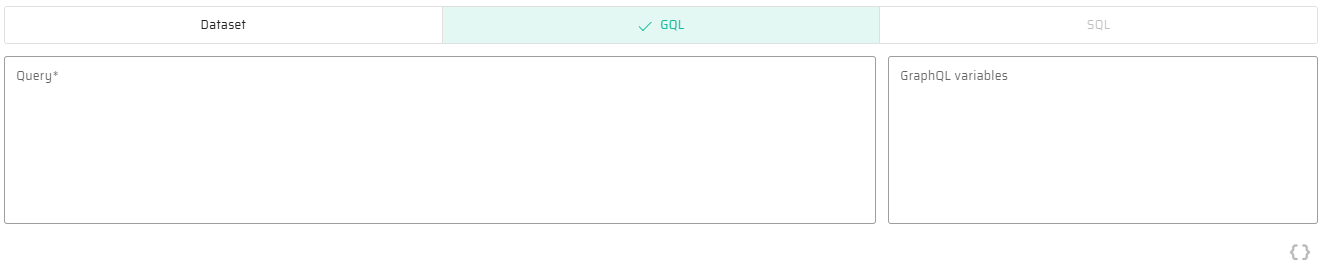
In this mode:
the query must be provided manually
GraphQL variables can be defined separately
the resulting data structure is determined by the query definition
This mode is intended for advanced use cases where Dataset configuration is not sufficient.

A SQL-based data source will be available in the future but is not currently supported.
Dataset Configuration
When using Dataset mode, the Load node is configured through several sequential steps.
Entity Selection
The first step is selecting the source entity from the Dataset.

The selected entity defines:
the available fields
the allowed filter conditions
sorting options
the structure of the loaded result
Property Selection
After selecting the entity, the specific properties (fields) to be loaded can be defined.
Individual properties can be selected explicitly
All properties can be included if required
Selecting only the necessary properties is recommended for performance and clarity.
Filtering
Filtering defines which records are loaded.
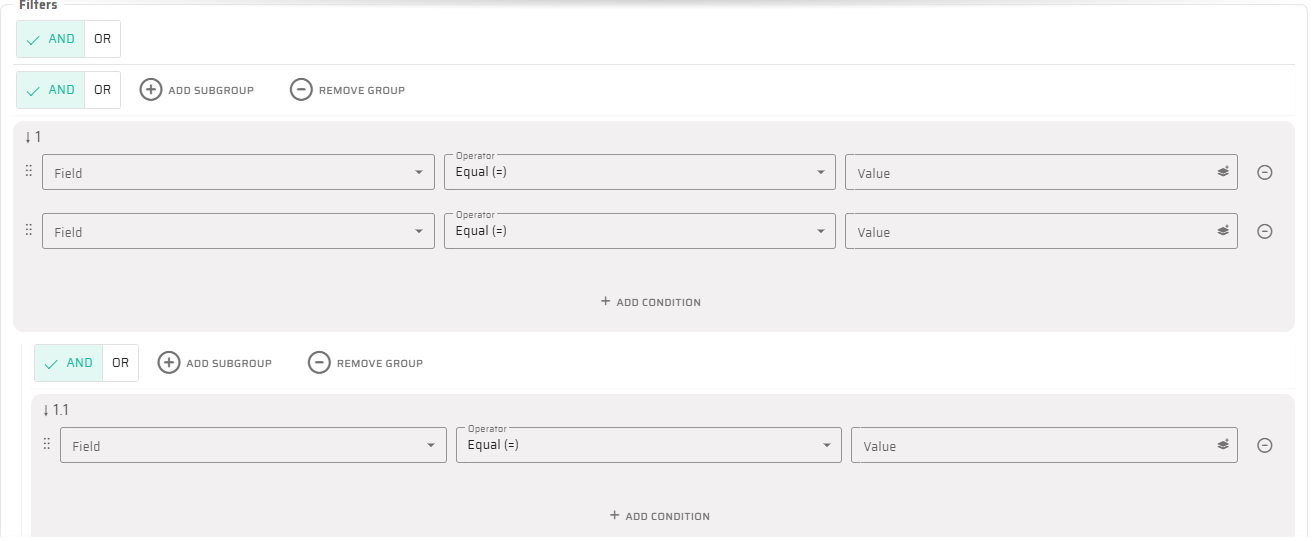
Filters are configured using a visual structure that supports:
multiple conditions
nested filter groups
logical operators (AND / OR)
explicit evaluation order
Each filter condition consists of:
an entity field
a comparison operator
a value definition
Filter Values and Expression Language
The value used in a filter condition can be defined in several ways:
a static literal value (e.g.
1,"Active")a value referenced from the DataStore
a value computed using Expression Language
This allows dynamic filtering based on:
input variables
previously loaded data
calculated values
Example use cases:
filtering by the current user
filtering by a computed date range
conditional filtering based on Flow context
For syntax rules and available functions, see Expression Language (Low-Code Syntax).
Sorting
Sorting defines the order in which records are returned.

For each sorting rule:
an entity field is selected
the sort direction is defined (Ascending or Descending)
Multiple sorting rules can be combined and are applied in the defined order.
Result Limiting
The Load node supports limiting the number of loaded records.
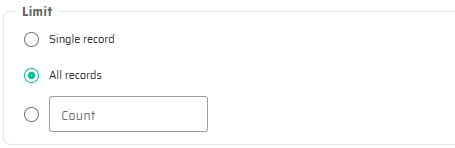
Available options:
Single record – only the first matching record is loaded
All records – all matching records are loaded
Specific count – a fixed number of records is loaded
The selected limit directly affects the structure of the result stored in the DataStore.
Loaded Data Structure
The result of the Load node is stored in the DataStore as:
a single Object, if a single record is requested
a Collection, if multiple records are loaded
Subsequent nodes must take this structure into account when accessing the data.
Interaction with Expression Language
The Load node does not evaluate expressions globally, but Expression Language is commonly used within its configuration, especially in:
filter values
dynamic conditions
parameterized queries
Expressions used in the Load node are evaluated at runtime against the current DataStore state.
Typical Usage
The Load node is typically used to:
retrieve domain objects for further processing
load reference data for validation or enrichment
prepare data for Create or Update nodes
provide context for If node conditions
In most Flows, Load nodes represent the boundary between persistent data and in-memory logic.
Notes and Limitations
The Load node does not create, update, or delete data
Complex business logic should not be embedded in filter expressions
Deeply nested filter groups may reduce readability
For advanced querying needs, prefer GQL mode