
If
The If node is used for conditional branching within a Flow.
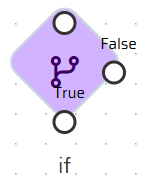
It evaluates a condition defined using the Expression Language and determines which outgoing branch (True / False) will be followed.
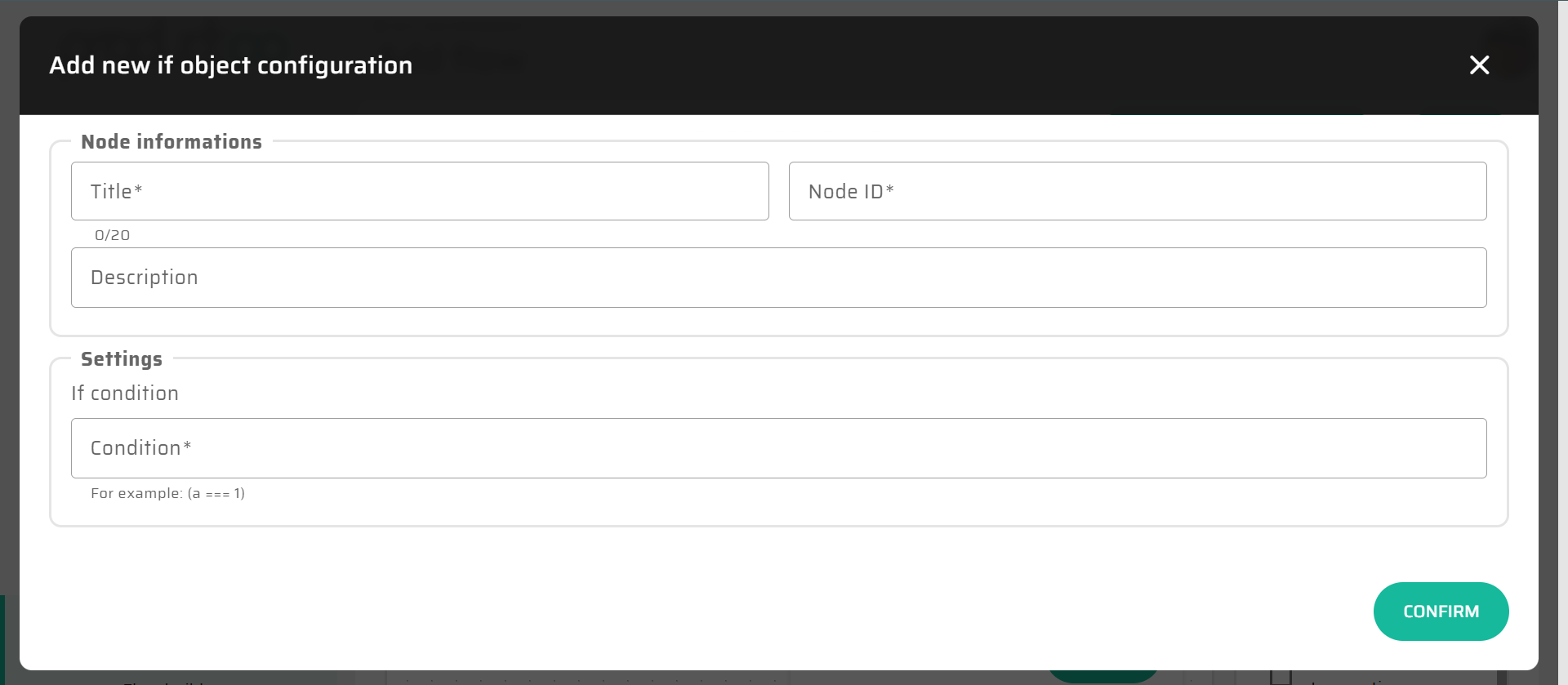
The condition must always resolve to a Boolean value.

For a complete description of the Expression Language syntax, available functions, and type rules, see Expression Language (Low-Code Syntax).
Condition Definition
The condition field of the If node accepts a single expression.
During Flow execution:
the expression is evaluated against the current DataStore state
the resulting Boolean value determines the selected branch:
true→ True outputfalse→ False output
The If node does not modify data and does not perform assignments.
Its sole responsibility is decision making.
Basic Rules for If Conditions
When defining conditions in an If node, the following rules apply:
The expression must evaluate to Boolean
Comparison is typically performed using comparison operators (
=,!=,<,>,<=,>=)All functions and DataStore references follow standard Expression Language rules
Nested expressions are fully supported
There is no implicit Boolean logic (
AND,OR,NOT) beyond comparison expressions
If more complex logic is required, it should be modeled using multiple If nodes or Flow structure rather than a single expression.
Simple Condition Examples
Numeric comparison
{{dataStore.variables.orderAmount}} > 100Result:
trueiforderAmountis greater than 100falseotherwise
String-based condition
string_length({{dataStore.variables.userName}}) = 9Result:
trueif the username length equals 9falseotherwise
Function-based calculation
mul({{dataStore.process.Start.input3}}, 5) = 50Result:
trueif the calculated value equals 50falseotherwise
Complex Expressions in If Conditions
The If node supports fully nested expressions, allowing conditions to be derived from calculated values rather than raw data.
Example:
add(
    mul(2, 3),
    {{dataStore.variables.offset}}
) >= 10
Evaluation:
mul(2, 3)→6add(6, offset)→ calculated valuecomparison against
10
Final result:
trueorfalsebased on runtime data
Conditional Value Selection Using if( )
In addition to controlling Flow branching, the Expression Language also provides the if() function, which can be used inside expressions to conditionally return values.
This is conceptually different from the If node itself.
if( ) function signature
if(condition, valueIfTrue, valueIfFalse)conditionmust evaluate to Booleanexactly one of the two values is returned
the function itself does not affect Flow branching
Example: Conditional value selection
if(
    string_length({{datastore.global.userName}}) = 9,
    {{datastore.global.userName}},
    format_number(
        {{datastore.global.userId}},
        add(1, 1),
        ",",
        " "
    )
)
Evaluation:
If username length equals 9 → returns
userNameOtherwise → returns formatted
userId
The result of the if() function can then be:
assigned to a variable
used in another expression
compared further in an If node condition
Expression Pipelines in Conditions
Expressions may also be written as pipelines, where the result of one expression is passed to the next step.
Example:
trim({{datastore.global.userName}})Or as part of a longer evaluation chain:
string_length(trim({{datastore.global.userName}})) > 5Each step is evaluated sequentially, and the final result must still resolve to Boolean when used in an If node.
Recommended Modeling Practices
When using expressions in If nodes:
Keep conditions focused and readable
Prefer calculated variables for complex logic
Avoid deeply nested expressions when Flow structure is clearer
Use multiple If nodes rather than a single complex condition
The If node should express business decisions, not embed full business logic.
Summary
The If node uses the Expression Language to evaluate conditions and control Flow branching.
Key characteristics:
Conditions must evaluate to Boolean
Expressions are evaluated at runtime against the DataStore
Full Expression Language syntax is supported
Flow structure should remain the primary tool for complex logic
For detailed syntax rules, functions, and type compatibility, refer to the Expression Language (Low-Code Syntax) documentation.