
Widgets (UI Logic Layer)
Widgets represent the UI behavior and interactivity layer of the P4 Process Builder.
While the Flow Builder defines what happens in the system, Widgets define how and when it happens from the user’s perspective.
They translate user intent - a click, a data entry, a screen load - into process execution, ensuring that business logic and visual behavior stay connected without code.
In simple terms:
Flows are the logic engine; Widgets are the steering wheel.
Each Widget defines actions, triggers, and dynamic behavior of the visible interface. It can launch a Flow, update data, open dialogs, refresh tables, or modify the interface - all through declarative configuration.
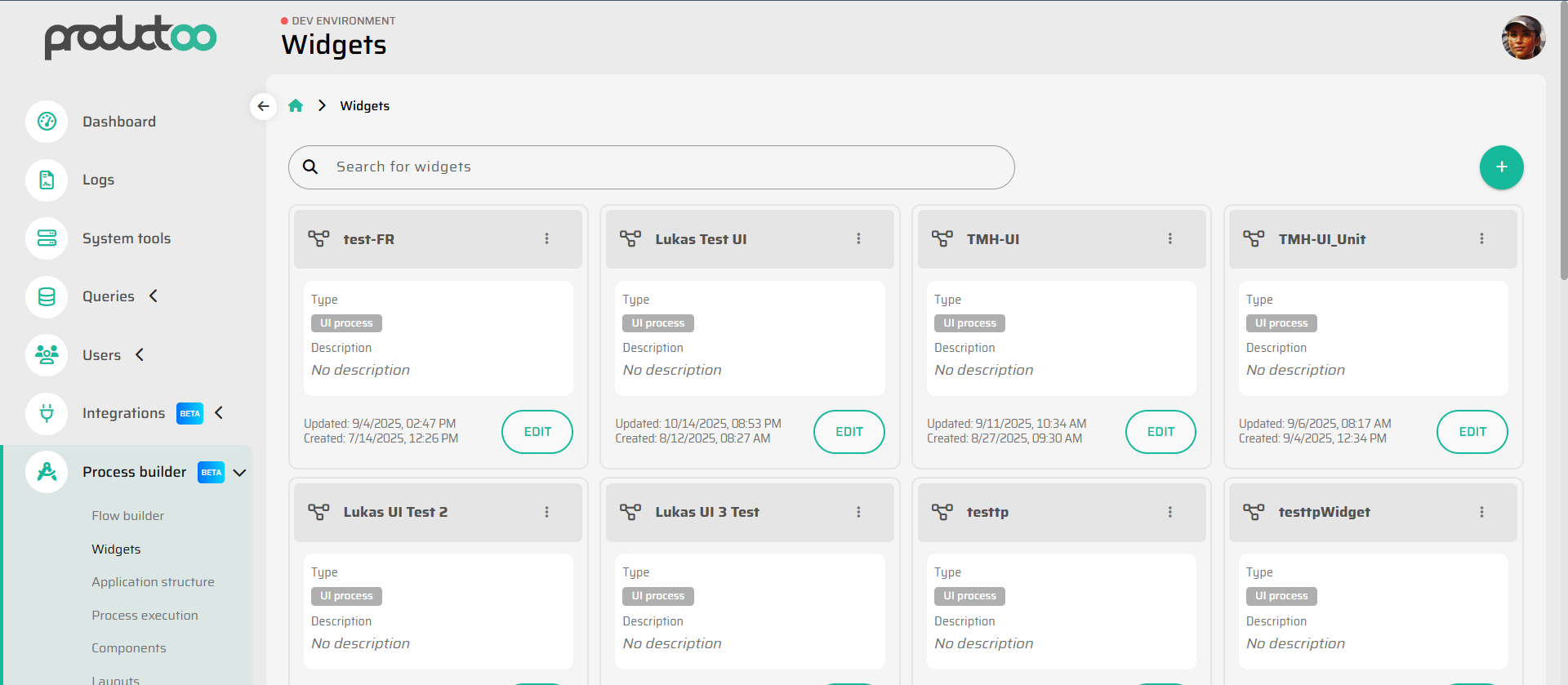
Purpose and Scope
Widgets form the interactive layer of applications built in Process Builder. Their primary purpose is to:
React to user actions and events.
Execute Flows or update variables in response.
Control the visibility, state, or data displayed in the UI.
- Widget - kondiciování visibility componenty/widgetu dle proměnných
Serve as reusable behavioral templates for consistent interaction patterns.
A Widget bridges process logic (Flow Builder) and page composition (Layouts). It is the layer where user interaction becomes system action.
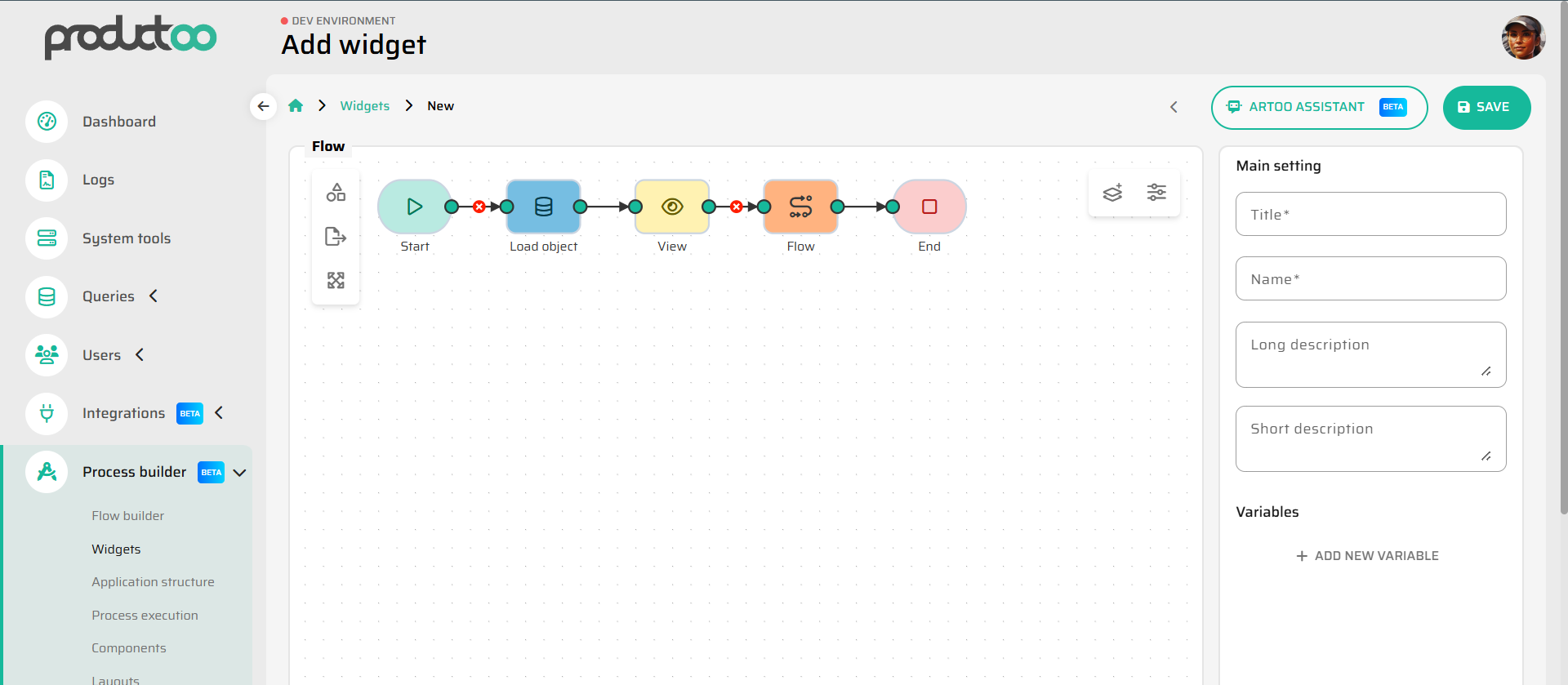
Difference Between Widget and Component
While they often appear together, Widgets and Components serve distinct roles:
Element | Purpose | Example |
|---|---|---|
A visual building block - defines how something looks and what inputs it provides. | A button, table, text field, icon. | |
Widget | A behavioral layer - defines what happens when that element is used or interacted with. | Defines what the button does when clicked (e.g., execute flow “CreateWorkOrder”). |
Think of a Component as the body and a Widget as its nervous system.
Together, they create living, responsive interfaces.
Summary
Widgets are the interactive intelligence of the P4 UI layer.
They give users control, translate actions into logic, and make applications responsive and intuitive.
By connecting UI events to process Flows through clear bindings, they embody the principle of the Process Builder: configurable behavior without code.